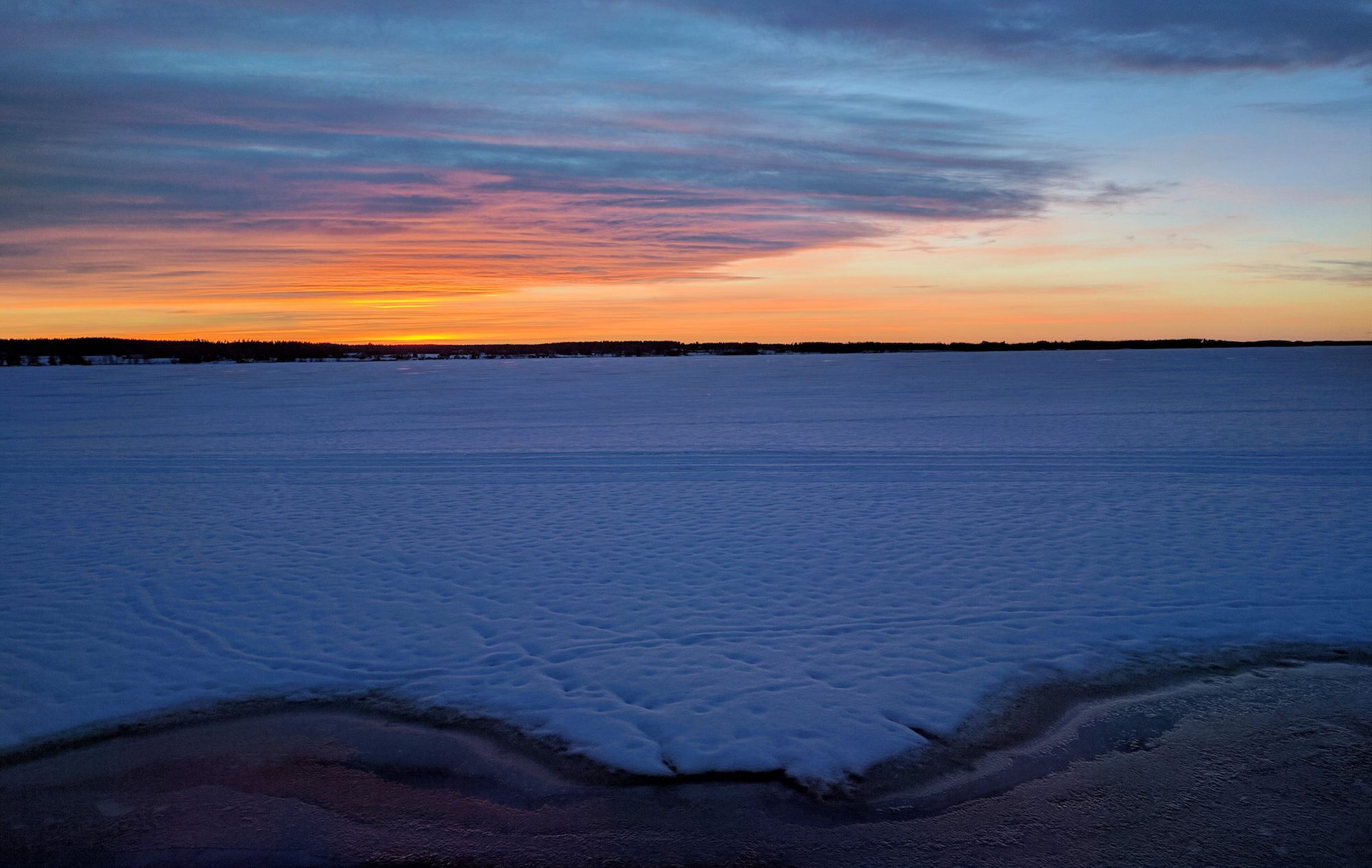
Still in the beginning of 2026, OnePlus stores the HDR photos in a prorietary ProXDR format, which is not supported by the Android Instagram app. That is why you only see HDR photos on IG taken by iPhone, Samsung and Google phones.
If you want to upload HDR photos from a OnePlus phone into Instagram, use this workaround (verified 6th of January 2026):
- Login to Instagram with the Android Chrome web browser (not the Instagram app!)
- Set the browser in desktop mode
- When posting a new photo, do not select it as a photo from the photo selector, but open the three dots menu from upper right corner, select “Browse…”
- Browse into “OnePlus 12 > DCIM > Camera” (choose the hamburger menu from top left corner to see the filesystem hierarchy)
- Select the JPG file from there
- Select original image ratio (the brackets-in-corners button), do not modify, enhance or filter the photo in any way
If it doesn’t work, make sure the photos are stored in JPEG format (this is what I have and I haven’t tried with any other settings combination):
- Under “Formats”, disable “10-bit colour” and “High efficiency image”
- Make sure the phone camera settings have “Auto HDR” enabled